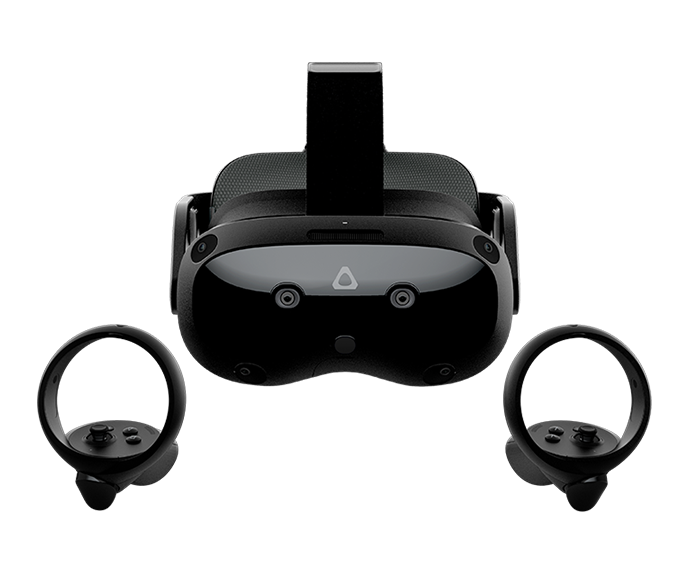
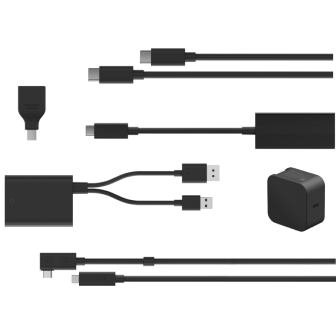
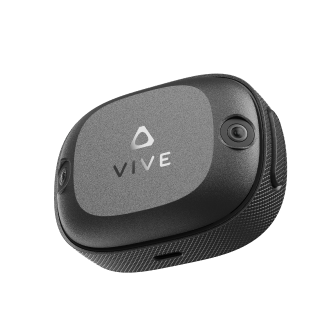
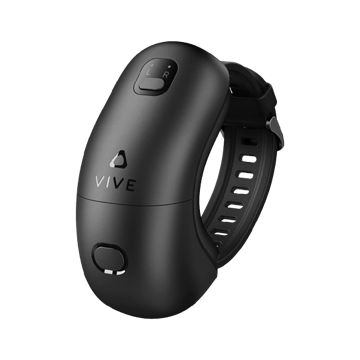
READY TO
SET UP VIVE?
SET UP VIVE?
To download VIVE Setup,
visit this website on a computer
JUST GOT THE BOX?
SET UP YOUR VIVE
SET UP YOUR VIVE
VIVE Setup will walk you through setting up your VIVE and installing all of the software that you need to use it.
You'll get the:
You'll get the:
- VIVE setup tutorial
- VIVE desktop app where you can browse, purchase, download and launch Viveport and other VR experiences
- VIVE Home VR app, your own customizable VR environment
- Steam Client if not already installed
Requirements: Microsoft .NET Framework 4.6 or later, internet connection, mounting tools (drill, screwdriver etc.)
ALREADY SET UP?
PERSONALIZE YOUR EXPERIENCE WITH VIVEPORT AND VIVE HOME
VIVE software includes the:
- VIVE desktop app where you can browse, purchase, download and launch Viveport and other VR experiences
- VIVE Home VR app, your own customizable VR environment
Requirements: Microsoft .NET Framework 4.6 or later and internet connection
RECOMMENDED COMPUTER SPECS
- Processor: Intel™ Core™ i5-4590 or AMD FX™ 8350, equivalent or better
- Graphics: NVIDIA GeForce™ GTX 1060 or AMD Radeon™ RX 480, equivalent or better. For additional graphics card options, view the complete list.
- Memory: 4 GB RAM or more
- Video output: 1x HDMI 1.4 port, or DisplayPort 1.2 or newer
- USB: 1x USB 2.0 port or newer
- Operating system: Windows™ 7 SP1, Windows™ 8.1 or later or Windows™ 10/li>
PLAY AREA REQUIREMENTS
- Room-Scale:
- 2 m x 1.5 m (6 feet 6 inches x 5 feet) minimum room size
- 5 m (16 feet) maximum between base stations
- Standing / Seated:
- No minimum space requirements